The Hebrew Hammer: Overview

Me and a friend attempt to make a minecraft server at school.

Objectives

• Deploy a stable, secure multiplayer Minecraft server
• Learn Linux system administration
• Realize that it is true that IT takes a long time time to respond to tickets
• Find a way around port fowarding anyways with Playit.gg

Technologies Used

Ubuntu Server
Fabric Minecraft server software
Playit.gg

The Physical System(s)

Me and a friend had a wonderful idea of setting up a Minecraft server at Auburn as an "extra credit project" (Our instructor encouraged the class to do something in the lab to get hands on experience with the skills learned in class)

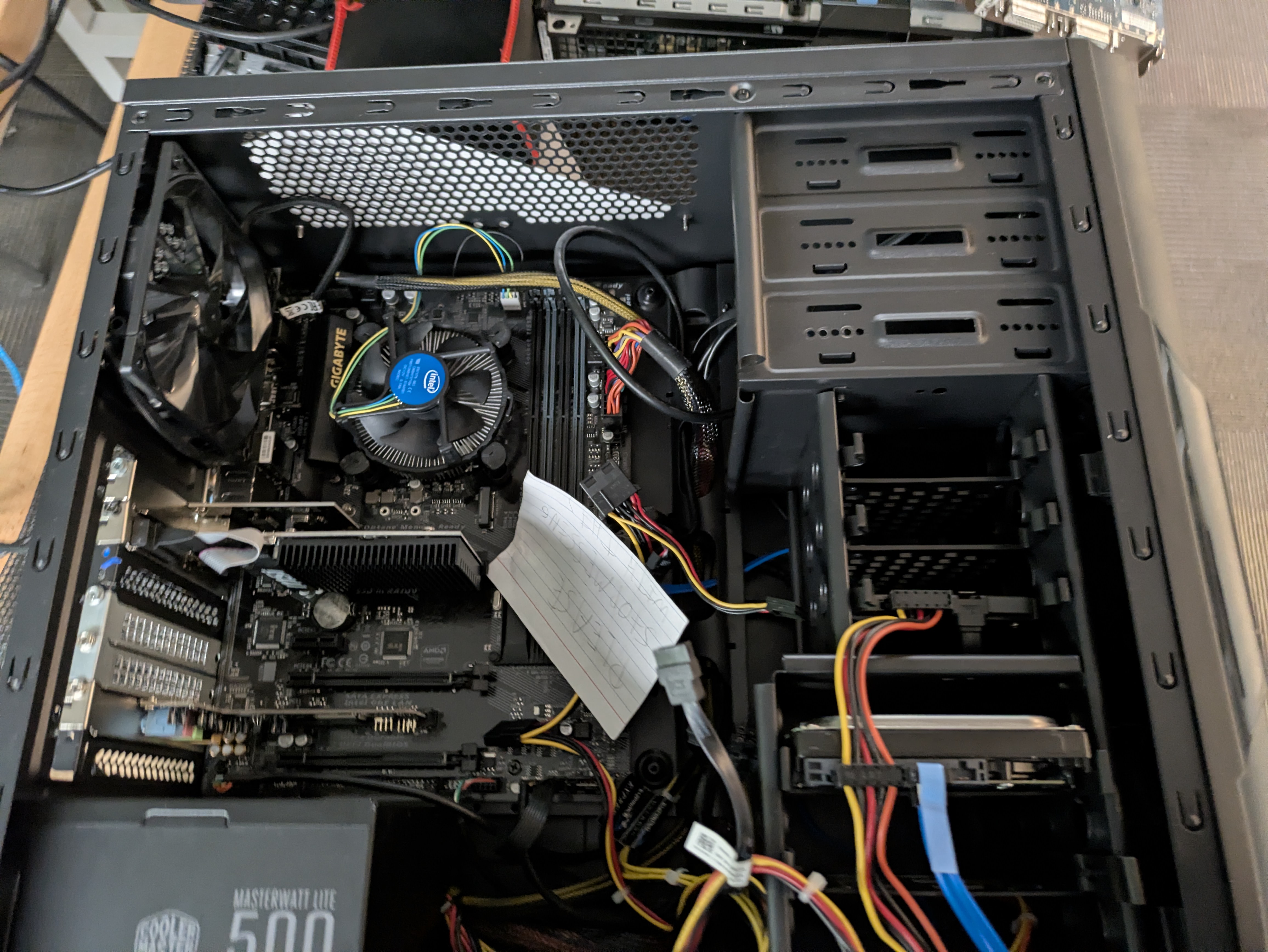
The first computer was a spare and mostly gutted out pc, where missing parts were found in PCs that were in similar states.

This marked the beginning of the madness, after successfully booting the pc into BIOS then burning a flash drive with Ubuntu server with Rufus and installing the OS. (I ended up being confused with CIDR slash notation for the subnet mask during installation. [/X is the number of bits within the mask])
I had no idea how to really use the Linux command line. So most of the process was aided by AI and google.
I ended up learning from AI and the TryHackMe Linux modules.
How to install java and fabric:

Wait, how come only I can access the server? This is because you haven't made it available outside your network.
How? There are multiple ways to do so (port fowarding, vpn[technically this is people coming into your network but whatever], reverse proxy). In this project we intended to do port forwarding however we had some issues.
Port Fowarding, How to: (Steps will vary based on your model of router, in this example I will be using Linksys)
1. Log into your routers interface
2. Go to Applications and Gaming
3. In the single port fowarding tab set the info to the following:
External Port Internal Port Protocol To IPv4 Address Enabled
25565 25565 Both This goes to your IP address of the computer the server is running on True

I would recommend using a different external port as bots scan the internet for mincraft servers and attempt to commit various malicious actions.



The port fowarding shenanigans

As seen in the image we had to wait for the schools IT dept to port forward on the schools side of the network. On our end we were given access to the lab router where the port forwarding rules were set. Because the lab network was behind double NAT, both the lab and the edge router of the school need to foward ports.
Obviously IT wouldn't let us in the router on the other end so we had to wait as they configured their end. We at some point had received an email stating they had configured their end, after booting minecraft and using the provided public IP address, it did not work. "Lets check our end"
Connect to internal IP 192.168.1.9: Success
Connect to WAN IP of Lab router: Success
Connect to WAN IP of school edge router: Failure
"Its gotta be their end, send another ticket"
"Things look fine on our end"
At this point me, my friend, and even the instructor were confused, if things are OK on both ends why is it not available?
We never figured it out

True server rack

I was not able to get a picture of the server when it was still in the rack, because our program was being cut and merged so our instructor had taken back his personal equipment. So imagine two HP DL360 G6 here however, we had only used one.
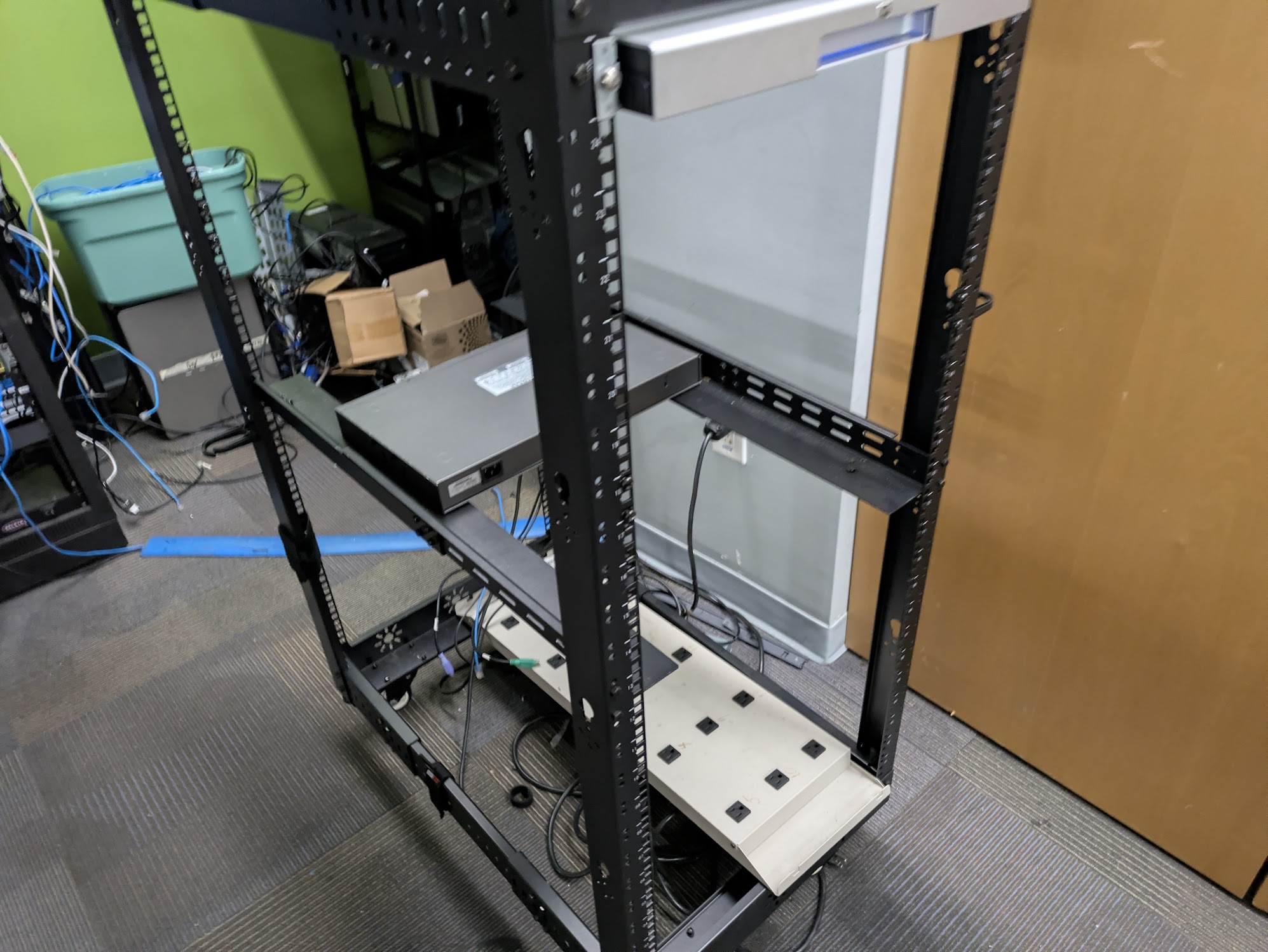

During the port fowarding shenanigans I had decided on moving over to a true server rack, why? Well why not.
Not going to comment much it was really simple to get it up and working. Had to reinstall Ubuntu, configure RAID as it is a server server
I ended up spending a lot of time trying to find to correct F# key to get into the RAID config and having to find a version of Ubuntu Server that will boot as the latest image did not boot correctly.

Reverse proxy

I don't really recall how I came up with this solution, anyways. After making sure a reverse proxy would allow outside connection, I did some research on how to set one up.
This lead me to Cloudflare Tunnel, unfortunately I had no domain to call my own to use. Next up was Ngrok but it needed a subscription for TCP connections.
Finally I found Playit.gg, they were able to host the connections I needed (TCP,UDP [Bedrock is different and needs UDP])

Setup:

Make an account
Install the program on the machine hosting the server
Connect the machine to your account using the code it provides
Set up an tunnel based on your needs
Share the address

In Conclusion(?)

I don't really know how to end this so I'm just going to put a few thoughts and comments I have.
1. I had a lot of fun, that's probably the most important thing.
2. I did learn quite a few things relating to Linux and Networking.
3. By the time the server was accessible online everyone had already phased out of their 2 week minecraft phase.
4. A power outage also fried one of the CPUs inside the server so I just set up the server on a personal computer at home.
4a. Still ended up using playit for outside connections instead of port fowarding despite being my network.